Do Your Qlik Reloads Keep Failing as the Data Grows?
The in-memory engine is fast because everything sits in RAM. Reloads fail and apps slow down when that RAM is filled with row level detail and transformations that no warehouse did beforehand.
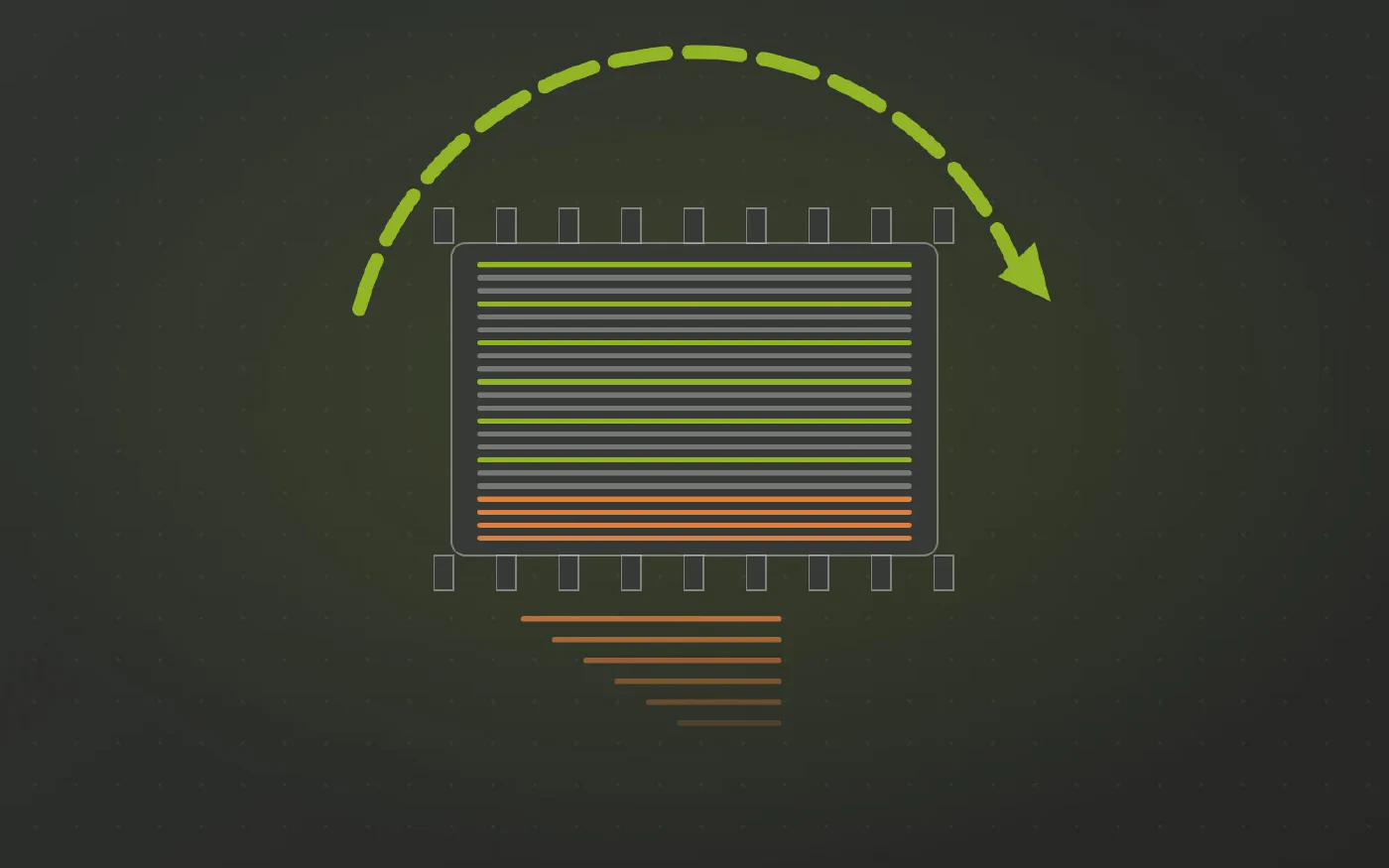
The data warehouse automation solution trusted by data teams across industries









Does this sound familiar?
- The nightly reload fails with an out of memory error, or simply runs past its window.
- An app has grown to several gigabytes and opening it takes long enough to notice.
- Selections that were instant last year now make users wait.
- You are loading every transaction row because there is no aggregated table to load instead.
The associative engine is fast because the whole data model lives in memory. That is also why an app full of raw detail eventually runs out of room.
Why the app keeps growing
- Row level detail is loaded, tens of millions of rows, because no aggregate exists upstream.
- Transformations run at reload time. Joins, lookups and cleansing consume memory before a single row is stored.
- Full reloads get slower every month. Incremental logic with QVDs is possible, but it is hand written and fragile.
- Reloads and users share the same RAM. A heavy reload competes with the people using the apps.
More memory buys time. It does not change the curve.
Why it lands on you
- The detail was loaded because it was the only table available, not because anyone needed it.
- Server capacity, or the app size limits of your Qlik Cloud tenant, are not yours to change.
- You can drop fields and optimize the script. You cannot create the aggregates upstream.
The work is in the wrong place
- Joining, aggregating and loading incrementally is warehouse work. In Qlik it is repeated on every reload of every app.
- It belongs in one central place: a data warehouse or data hub, built once and read by every app.
- If that sounds expensive, the estimate probably assumes hand built pipelines. A specialized automation platform generates them from a model, which changes both the cost and the time it takes.
What changes when the model arrives finished
Datavault Builder generates the vault and the information marts natively in the database the company already has, such as Snowflake, Databricks, Synapse, Fabric or Exasol.
- Aggregated marts at the grain the app needs, so far fewer rows reach memory.
- Incremental loading happens upstream, generated rather than scripted by hand.
- The reload copies, it does not compute. It becomes a plain
LOADfrom finished tables. - App size tracks the question, not the size of the source system.
- Detail stays in the warehouse, reachable when someone genuinely needs to drill to it.
What to ask for
Not “the reload keeps failing”, but:
“Our app loads every transaction row and does the joins during reload, which is why it runs out of memory. Can we get an aggregated mart in the warehouse, loaded incrementally, for the app to read?”
If the answer is that building marts properly would take a quarter, that is the objection Datavault Builder was built to remove.
See It Working on Your Own Data
Book a free demo and bring the report that gives you the most trouble.
Three Steps to Numbers That Add Up
-
Extract the existing logic
Collect the calculations, joins and filters that live in your reports today.
-
Centralize it in one place
The logic moves into the warehouse model once, so every report reads the same definition.
-
Enjoy numbers that add up
Every report shows the same figure, and “where did this number come from” has a visible answer.
How Datavault Builder Hands Your Report a Finished Model
-
The model arrives finished
Datavault Builder generates the vault and the star schema to run natively in the database you already have: SQL Server, Azure SQL, Synapse, Fabric, Snowflake, Databricks or BigQuery.
-
The work leaves the report
No merge, no parsing, no fuzzy match. That work is gone from the report.
-
Sources arrive integrated
Customers from the ERP, the CRM and the web shop are matched into one set of conformed dimensions. The join happens once in the warehouse, not again in every report.
-
History you can query
Every change is retained as it arrives, so you can report as-was as well as as-is, even where the source system overwrites its own records.
-
Every number has lineage
The logic gains lineage, so “where did this number come from” has a visible answer.
-
Changes handled upstream
Slowly changing dimensions are handled upstream as vault satellites, not approximated.
Recognized by BARC in The Data Fabric Survey 26
Meet Our Expert
Twenty minutes with our Sales Director, and an honest answer on whether this fits your situation.

Matt Collett
Sales Director
Great, pick a time that works for you:
Other Problems This Series Covers
-
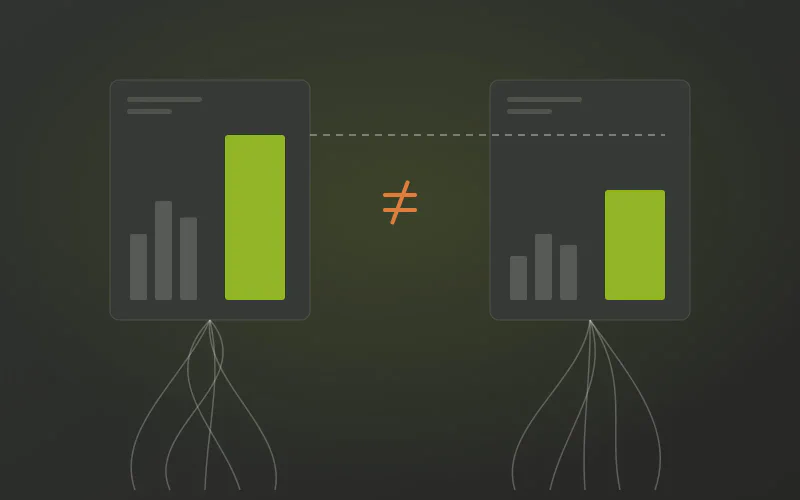
Do Your Qlik Apps and Power BI Reports Show Different Numbers?
Neither Qlik nor Power BI is wrong. Each has its own load logic, its own definitions and its own lineage, so the same metric is calculated twice and nobody can reconcile them. The rules belong in one governed warehouse model both tools read.
-
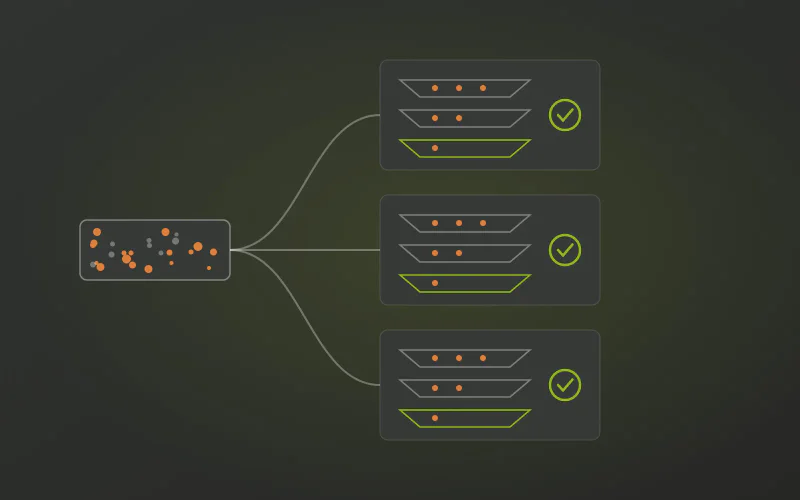
Do You Clean the Same Data Again in Every Qlik Load Script?
The same mapping loads, string fixes and deduplication are written again in every app and QVD layer, and the copies drift apart. The cleansing is repeated per script because no integrated warehouse layer does it once.
-
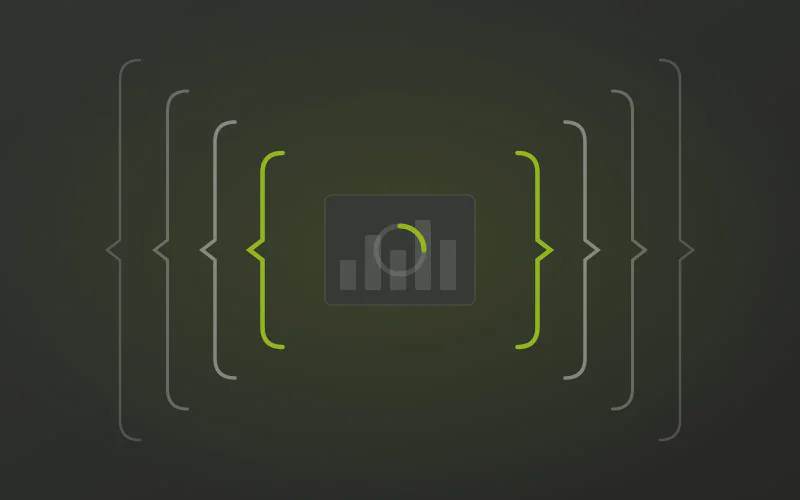
Are Your Qlik Set Analysis Expressions Too Long and Too Slow?
Set analysis is precise for genuine comparisons. Most of the long expressions in your app are there because the model never delivered history, flags or a single grain, so the chart rebuilds them on every selection.