SSIS Pain Points: Why Lifting Packages to the Cloud Moves the Debt, Not the Problem
SSIS estates have three problems that a cloud VM does not fix: a package per table nobody wants to open, releases that DevOps cannot reach, and a design that stops at SQL Server. Azure-SSIS Integration Runtime carries all three to Azure intact. A model that generates the warehouse retires them instead.
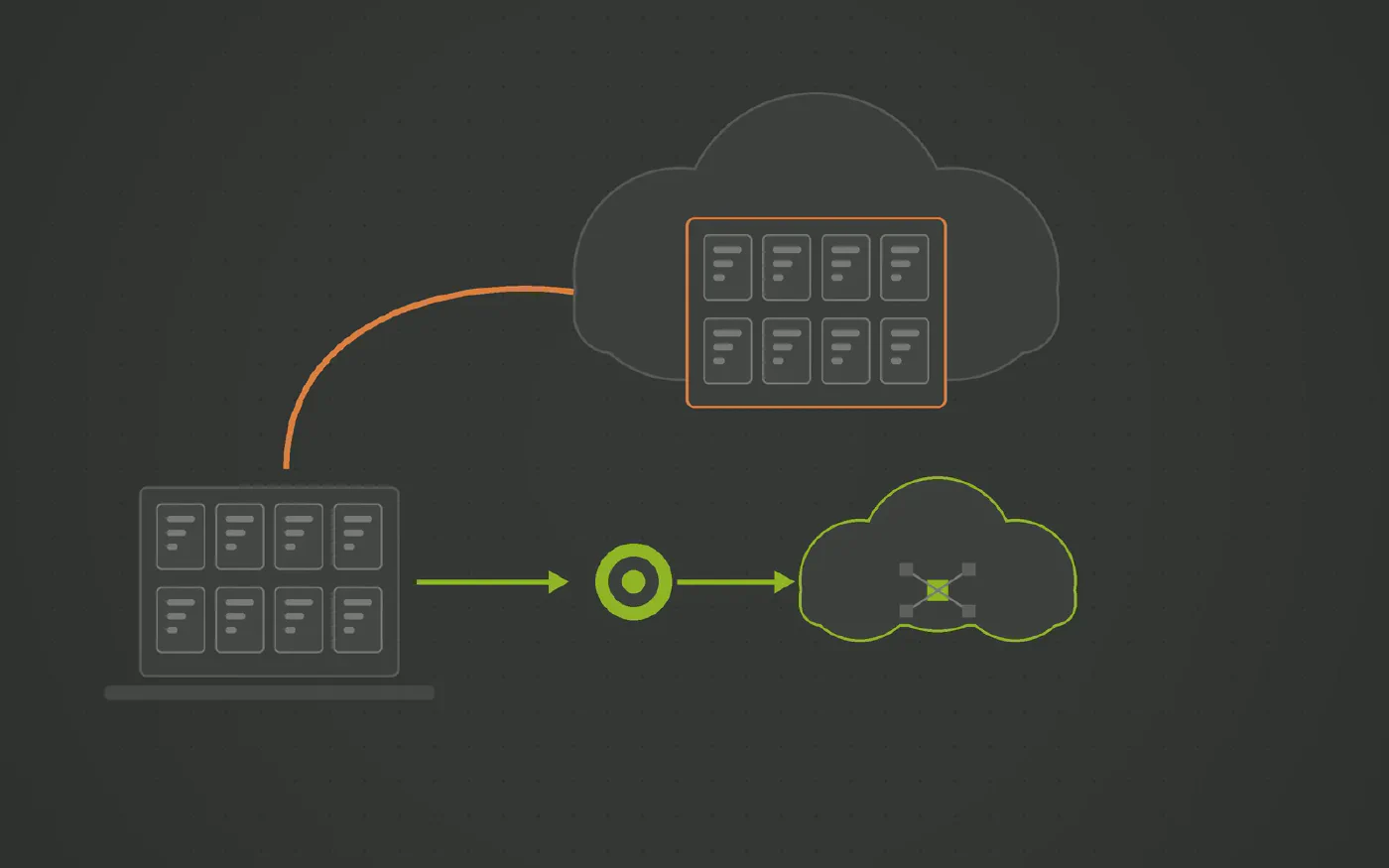
The data warehouse automation solution trusted by data teams across industries









SSIS ran the SQL Server warehouse for twenty years and it has the estate to show for it. The question in 2026 is not whether to leave it but how, and the default answer, a VM or an Azure-SSIS Integration Runtime that runs the packages as they are, moves the estate without touching any of the three things that make it expensive.
Three problems a VM does not fix
- Package debt. Hundreds of packages, one per table, built by many hands, opened one at a time. See the article on package debt.
- Deployment. XML that merges badly, SSISDB environment mappings kept by hand, and releases that prove themselves on the first scheduled run. See the article on deployment and CI/CD.
- The platform edge. Built for SQL Server to SQL Server; anything else is a connector, a bigger server or a rewrite. See the article on SSIS beyond SQL Server.
Lift and shift carries all three to the cloud intact. A VM is infrastructure you manage; Azure-SSIS Integration Runtime is a managed cluster inside Data Factory with an hourly price. The packages are the same packages on either. Microsoft’s own destination, Fabric Data Factory, is a new canvas, which means rebuilding the estate by hand.
Do not recreate the problem in the cloud
A migration is the one moment when the whole estate is on the table anyway. Spending it on rehosting hand built loads means arriving in the cloud with a package per table, a merge problem and a design that still stops at one platform. Spending it on a model means:
- Faster to migrate. Sources are mapped from their business keys, not translated package by package. The old packages keep running until each source is mapped, so there is no big bang.
- Fewer problems afterwards. No hand-written historization, no package only its author understands, no environment mapping table. The generated loads have one shape.
- Future proof. The same model generates for SQL Server, Azure SQL and Fabric, and for Snowflake, Databricks or BigQuery if that decision is ever taken. The next platform move is a target change.
What changes with Datavault Builder
Datavault Builder holds the warehouse in a visual model and generates the staging, vault and delivery loads from it, with deployment, rollback, documentation and lineage, natively on SQL Server, Azure SQL and Fabric.
- Packages are retired, not rehosted. Each mapped source is a package that no longer needs a server, on premises or in Azure.
- Releases are generated, rollback included. A comparison of two states, the differences you choose, and the dependencies proposed for each. No .ispac, no SSISDB mappings.
- Loads run in the engine. Set based delta SQL inside SQL Server or Fabric. No ETL box, no data flow buffer, no extra license.
- Sources connect directly. Batch, delta and CDC from databases, files, REST APIs, NoSQL and Python sources, with streams such as Kafka as micro batches.
- The platform stays your choice. Modernize the ETL on SQL Server now, move the target to Fabric when ready, and keep the door open to any other warehouse.
Where to start
Two lists. The packages that only load one table into staging or the warehouse, and the packages whose target is the platform that is moving. The first is what a model should generate. The second is what the lift would carry across unchanged. Start where they overlap. If the packages already run on an Azure-SSIS Integration Runtime, add its node hours per month next to the second list. That is the price of preserving the debt.
See It Running on One of Your Sources
Book a free demo and bring the connector that costs you the most, in money or in time.
How Datavault Builder Takes the Friction Out of Ingestion
-
Ingestion is built in
Batch, delta and CDC loads from databases, files, REST APIs, NoSQL and Python sources, with streams such as Kafka arriving as micro-batches. Same platform that generates the warehouse, no second invoice.
-
Your schema, not the vendor's
Source tables are mapped to a Data Vault 2.0 model you designed. A new column or a renamed table changes a mapping, not a chain of post-load scripts.
-
Only deltas move
Hubs, links and satellites load what changed. Full reloads stay in staging instead of being reprocessed downstream every night.
-
History is kept by design
Every change is retained as it arrives, so as-was reporting works even where the source overwrites its own rows.
-
Code you never hand-write
Loading, historization and lineage are generated from the model in real time and run natively on Snowflake, Databricks, BigQuery, SQL Server, Fabric, Oracle or PostgreSQL.
-
One platform, up to nine tools fewer
Modeling, ETL, CI/CD, documentation and lineage in one place. That is what makes 14.7 minutes from requirement to production possible.
Recognized by BARC in The Data Fabric Survey 26
Meet Our Expert
Twenty minutes with our Sales Director, and an honest answer on whether this fits your stack.

Matt Collett
Sales Director
Great, pick a time that works for you:
Other Problems This Series Covers
-
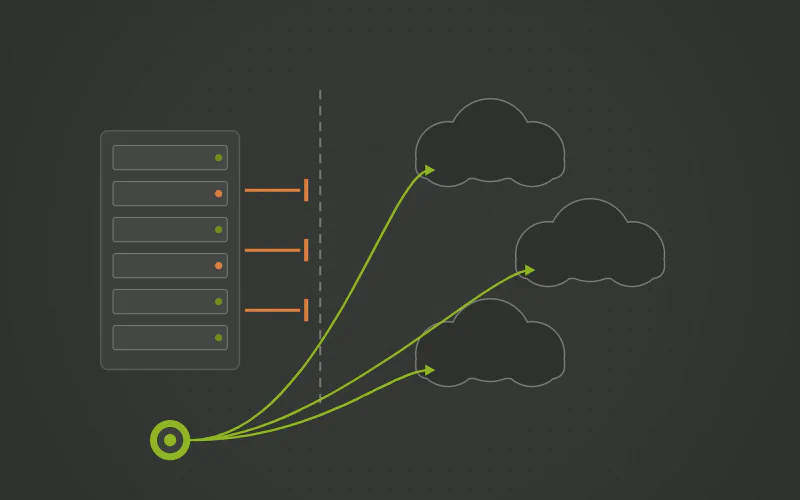
Does SSIS Stop Where Your Cloud Warehouse Starts?
SSIS was built to move data between on premises SQL Server instances. When the warehouse moves to Fabric, Snowflake, Databricks or BigQuery, the choices are lifting the packages onto an Azure-SSIS Integration Runtime, buying third party connectors, or rewriting. A model that generates natively for the new platform is the fourth choice, and the only one that does not carry the packages along.
-
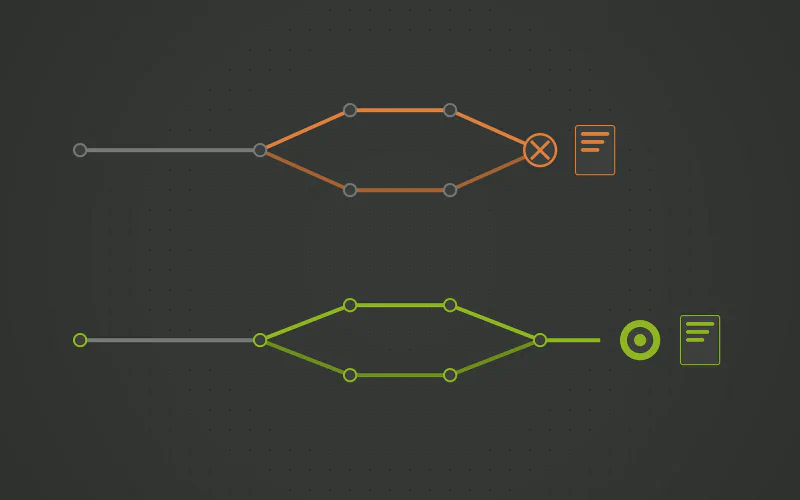
Is SSIS the One Part of Your Stack That Still Cannot Do CI/CD?
A .dtsx file is XML that diffs badly and merges worse, so two engineers on one package end in a rebuild. Environments live in SSISDB variable mappings maintained by hand. Modern DevOps stops at the SSIS project. Releases should be generated from a model, per environment, with the rollback included.
-
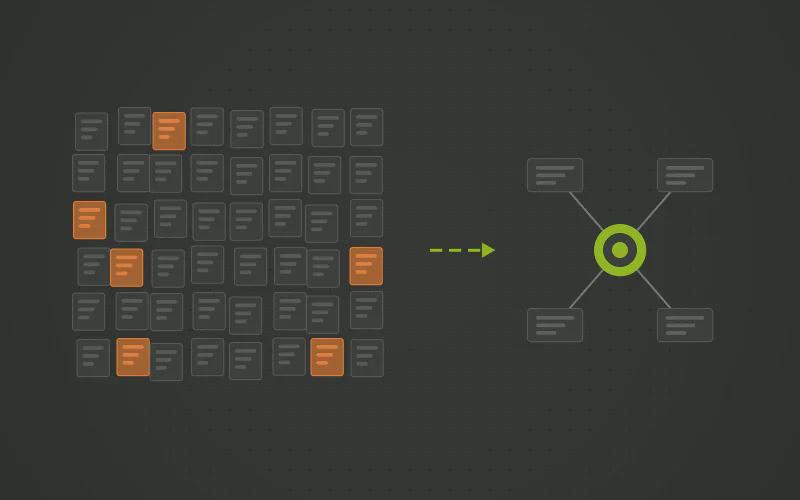
Do Your SSIS Packages Outnumber the People Who Understand Them?
Hundreds of .dtsx packages, one per table, each built in Visual Studio by whoever had the ticket, with control flows and data flows that only open one at a time. Adding a column means opening the packages one by one. The fix is not a package template. It is a model that generates the loads, natively on SQL Server, Azure SQL or Fabric.
Questions and Answers
- No. It is an argument against carrying hand built packages into Azure unchanged. The generated warehouse runs natively on Fabric and Azure SQL, and on SQL Server on premises for as long as that is where you are.
- Azure-SSIS Integration Runtime as the bridge, and Fabric Data Factory as the destination. The bridge runs the packages as they are. The destination is a new canvas, which is a rebuild by hand. Generating from a model is the third option, and the one where the packages are retired rather than rehosted or redrawn.
- It is a mapping per source rather than a rewrite per package, and the estate shrinks one mapping at a time while the old packages keep running. No number is honest without knowing the estate; the shape of the work is what changes.