Has Your Azure Data Factory Canvas Outgrown the People Who Built It?
A drag and drop pipeline is quick to build and slow to change. Past a few dozen activities the canvas turns into the documentation, the wiring takes over the logic, and every new source is another copy activity nobody wants to touch. The fix is not a tidier canvas. It is a model that generates the pipelines.
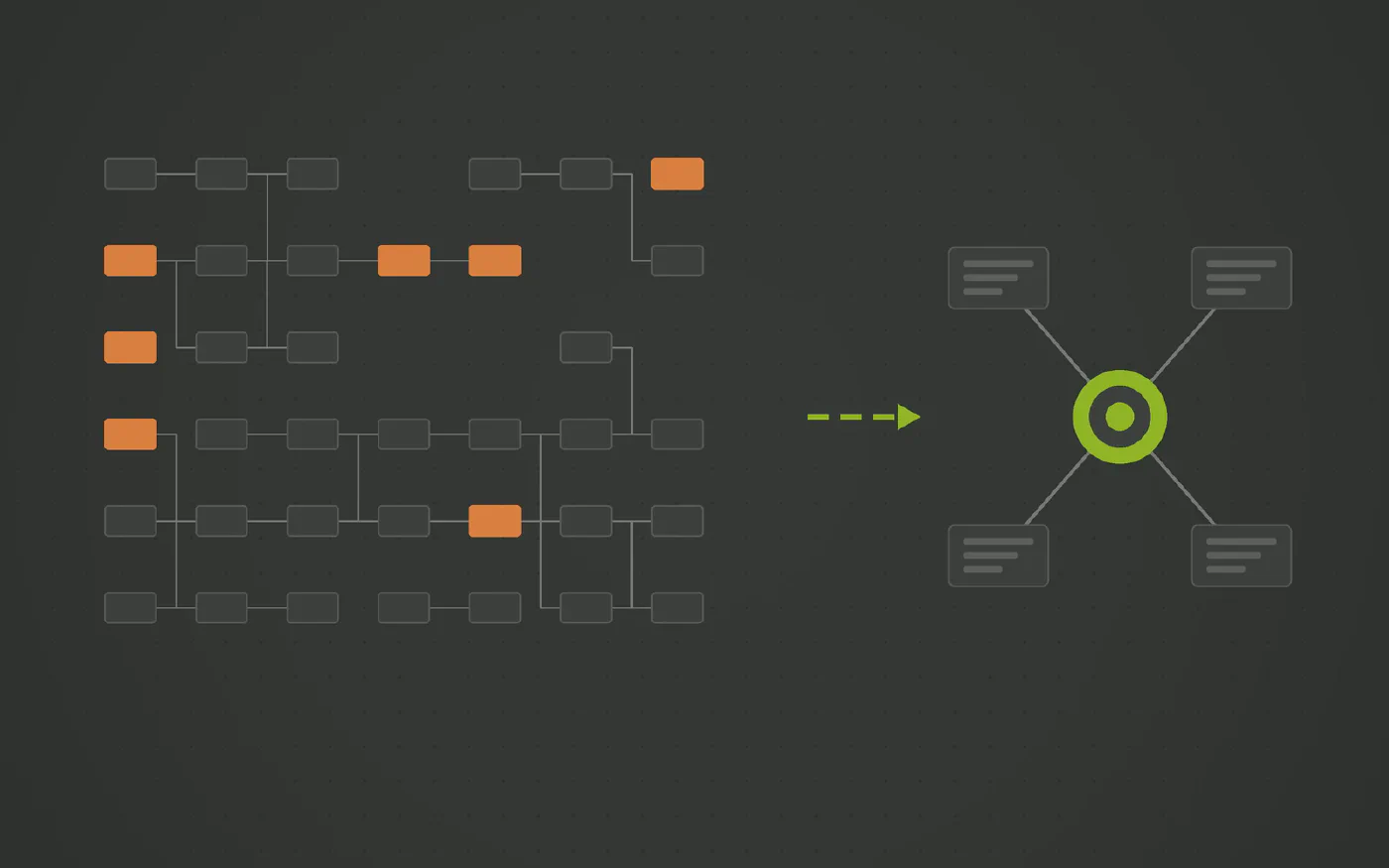
The data warehouse automation solution trusted by data teams across industries









Does this sound familiar?
- Opening the main orchestration pipeline takes a while, and so does finding the activity you need in it.
- Adding a source means copying a chain of copy activities, lookups and stored procedure calls, then adjusting each one by hand.
- A change made in the canvas was not the change that was intended, and it was found in Test, or later.
- Two engineers edited the same pipeline in different branches, and the merge was settled by picking one and redoing the other.
Azure Data Factory is the default integration tool in every Azure estate, and for a handful of activities it is exactly right: drag a copy activity, point it at a source, done. The trouble starts when the same approach is used for the whole warehouse, and the canvas holds hundreds of activities that only the people who wired them can read.
Why the canvas stops scaling
- The canvas is the documentation. There is no model behind a pipeline, only the wiring. What a pipeline does is what its boxes and arrows do, and that has to be read box by box.
- Every source is a copy of the last one. A new table means duplicating a chain of copy activities, lookups and stored procedure calls, then editing each step. Drift between copies is guaranteed.
- Changes are made by hand in a UI. A misplaced dependency arrow or a wrong dataset reference looks correct until it runs.
- Team work means merging JSON. Two people editing one pipeline in two branches meet in a merge of generated pipeline JSON, which is not something anyone reviews with confidence.
None of this is an ADF fault. A canvas is the right tool for orchestrating a few things and the wrong tool for expressing a data model.
Where the wiring belongs
- In a model, not on a canvas. Business keys, relationships and attributes should be declared once, and the pipelines that load them derived from that declaration.
- Generated, so copies cannot drift. If every staging and vault load comes from the same generator, there is no per source version to keep in step.
- Load orchestration belongs with the loads. Datavault Builder runs sets of loads as jobs, in dependency order, with logging and restart. What is left for ADF is file movement, events and a trigger.
What changes with Datavault Builder
Datavault Builder holds the warehouse in a visual model and generates the staging, historization and delivery loads from it, running natively on Fabric, Synapse, Azure SQL or SQL Server.
- You model the business, the platform builds the rest. Describe the entities, keys and relationships once; the hubs, links, satellites and every load are generated from that model. There is no canvas to keep in sync with reality.
- A new source is a mapping. Map the landing table to the model and regenerate. No chain of activities to copy and adjust.
- The model is readable. Business concepts, keys and lineage are visible in one place, to business users as well as engineers.
- Changes are reviewed as model changes. Git and Gitflow support with generated deployment and rollback scripts, rather than a merge of pipeline JSON.
- ADF keeps a small job. File movement and events can still run through ADF, and it can trigger a Datavault Builder job. The orchestration of the loads themselves stays in the platform.
What to decide
Open the largest pipeline and count the activities that exist only to copy, look up or call a stored procedure per source. That count is the part of the canvas that a model should be generating.
See It Running on One of Your Sources
Book a free demo and bring the connector that costs you the most, in money or in time.
Three Steps to a Pipeline You Control
-
Count the pipelines that only move and land
Most of a large factory is copy, lookup and stored procedure chains per source. That is structure, not logic.
-
Model the sources instead
Business keys, relationships and attributes go into the Datavault Builder model. The loading pipelines are generated from it.
-
Keep ADF for what it does well
File movement across Azure services and event handling can stay in ADF. At most it triggers a Datavault Builder job; the load orchestration lives in the platform.
How Datavault Builder Takes the Friction Out of Ingestion
-
Ingestion is built in
Batch, delta and CDC loads from databases, files, REST APIs, NoSQL and Python sources, with streams such as Kafka arriving as micro-batches. Same platform that generates the warehouse, no second invoice.
-
Your schema, not the vendor's
Source tables are mapped to a Data Vault 2.0 model you designed. A new column or a renamed table changes a mapping, not a chain of post-load scripts.
-
Only deltas move
Hubs, links and satellites load what changed. Full reloads stay in staging instead of being reprocessed downstream every night.
-
History is kept by design
Every change is retained as it arrives, so as-was reporting works even where the source overwrites its own rows.
-
Code you never hand-write
Loading, historization and lineage are generated from the model in real time and run natively on Snowflake, Databricks, BigQuery, SQL Server, Fabric, Oracle or PostgreSQL.
-
One platform, up to nine tools fewer
Modeling, ETL, CI/CD, documentation and lineage in one place. That is what makes 14.7 minutes from requirement to production possible.
Recognized by BARC in The Data Fabric Survey 26
Meet Our Expert
Twenty minutes with our Sales Director, and an honest answer on whether this fits your stack.

Matt Collett
Sales Director
Great, pick a time that works for you:
Other Problems This Series Covers
-
Azure Data Factory Pain Points: The Hidden Cost of UI Pipelines and Spark Transformations
Azure Data Factory is a good transport layer inside Azure and a poor place to keep a data warehouse. Used as the modeling and transformation suite it brings a canvas nobody can read, releases that fail on ARM templates and Spark clusters for loads that fit in one SQL statement. And every one of those pipelines exists only in Azure.
-
Are Azure Data Factory Mapping Data Flows Costing More Than the Data They Move?
Mapping Data Flows run on a managed Spark cluster that takes minutes to start and bills by the vCore hour. For a large nightly transformation that is reasonable. For a few hundred thousand rows it is a cluster spun up to do what one SQL statement would do inside the warehouse.
-
Does Every Azure Data Factory Release Turn Into an ARM Template Fight?
Under the visual editor, an Azure Data Factory is JSON: pipelines, datasets, linked services and the ARM template that deploys them. Promoting a change from Dev to Prod means parameter files, global parameters and a template that fails on one type mismatch. Releases should be generated from a model, with the rollback included.
Questions and Answers
- No. ADF is a good transport and trigger layer inside Azure. The argument is that using it as the modeling and transformation layer puts hundreds of hand wired activities where a generated model should be.
- It removes the copy per source, which is real progress. What remains is a framework you built and maintain by hand: the control tables, the generic pipelines, the parameter plumbing, and the conventions only your team knows. And it covers the copy step; keys, historization and marts still live somewhere else. A dedicated generator is that framework, maintained as a product, covering the whole warehouse.
- Datavault Builder orchestrates its own loads: a job runs a set of them in the right order, with logging and restart built in. ADF can trigger such a job, and can keep moving files between Azure services. It could call individual loads through the API, but there is no reason to rebuild the orchestration outside the platform that already has it. You describe what the business is about in the model, and the structures and the loads are generated from it. What is left on the canvas is file movement and a trigger.
- Microsoft’s direction is Fabric, and Fabric Data Factory keeps the same canvas: the same activities, loops and expressions, so the argument of this article is the same whichever Data Factory you are on. What it does not keep is the rest: no ARM publish step, no Mapping Data Flows, Dataflow Gen2 and Git synced items instead, billed on capacity units. The generated warehouse runs on Fabric natively either way.